





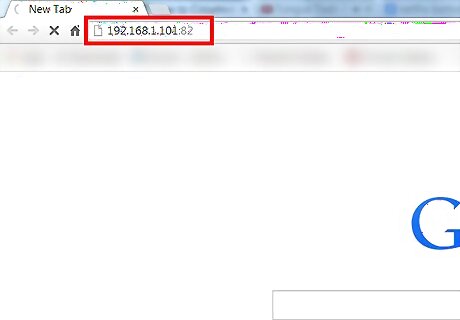
Set up your home web server on a port other than port 80. You can use Apache, nginx, etc. Verify that you can reach the server within your network by using another device to access it. For example, if you set up a server on a machine with IP address 192.168.1.101, using port 82, go to http://192.168.1.101:82 in the web browser of another device on your network.
In your router's configuration, forward the port your server is running on to the IP of the machine it is running on. For example, if you set up a server on a machine with IP address 192.168.1.101, using port 82, you'd forward port 82 to IP address 192.168.1.101.
Find your network's external IP address: http://www.whatismyip.com/
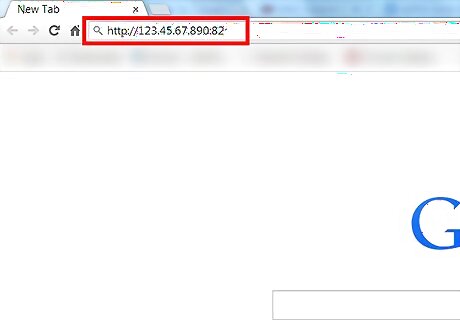
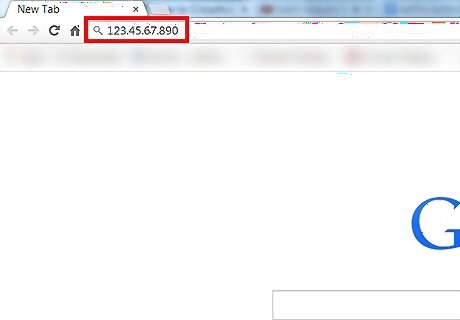
Verify that your server is reachable outside the network by accessing the external IP address with the port you chose. For example, if your external IP address is 123.45.67.890 and you are using port 82, go to http://123.45.67.890:82 in the web browser of a device not on my network.
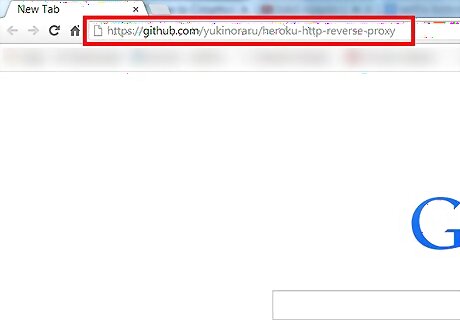
Setup a reverse proxy server outside your network that sends traffic to the port you forwarded on your external IP. One option is https://github.com/yukinoraru/heroku-http-reverse-proxy deployed on Heroku. Be sure to change the configuration to point to your IP address and port! For example, if your external IP address was 123.45.67.890 and you are using port 82, you would replace "YOUR SITE" in config.ru with "http://123.45.67.890:82"
Test your reverse proxy. Now you should be able to access your internal webserver on port 80 by accessing the URL of the reverse proxy server.









Comments
0 comment