



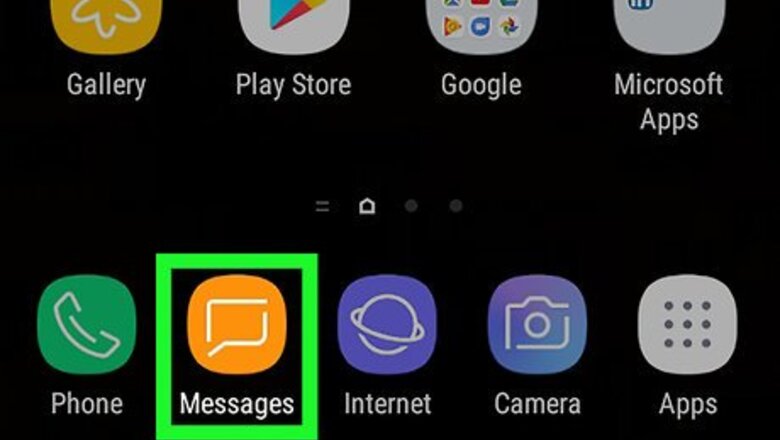

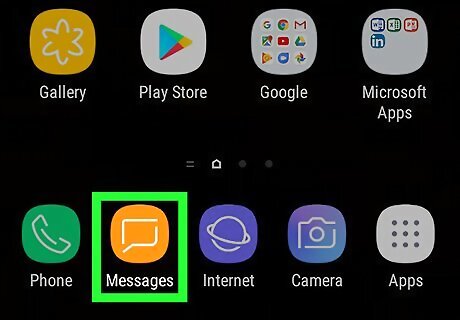
Open your text message app. Though Android phones come with a default text messaging app, many users like to pick their own. This method should work for any texting app, however.
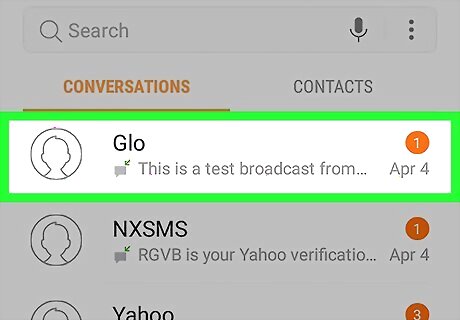
Tap on the conversation thread containing the message you want to forward. Scroll through your conversations until you see the thread with the message you want to forward. Tap on this conversation to view the messages.
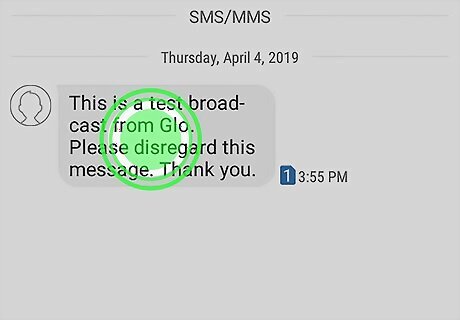
Long press on the text message you want to forward. Find the text message you want to forward and hold your finger down on it until your phone vibrates. A menu should pop up with options for you to choose from. Once you select one message, some Android texting apps give you the option to forward multiple texts at once. If that is the case with your texting app, simply tap on the other messages you want to forward as well.
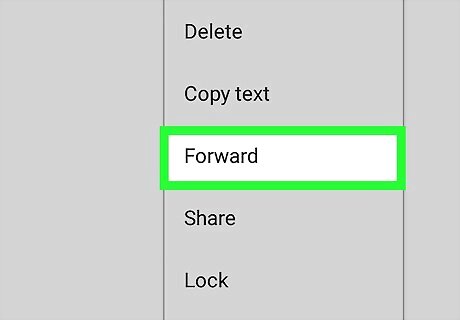
Select Forward from the list of options. Once you select "Forward," you will be taken to your contacts list.
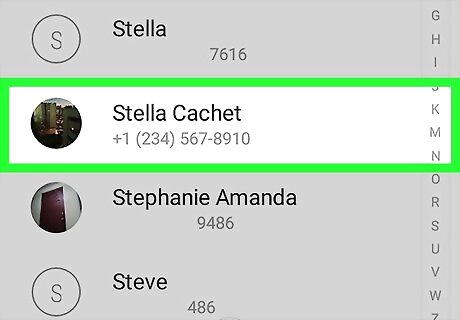
Choose the contact you wish to forward the message to. Pick the person you want to forward the message to and tap on their name.
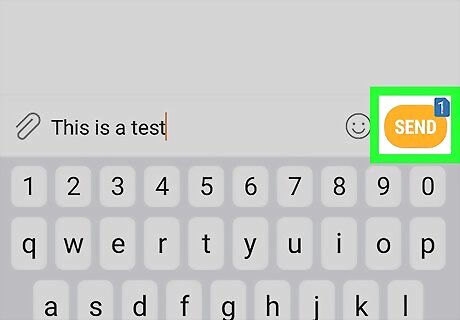
Tap Send. If the text message isn’t automatically forwarded, it will automatically be placed in the text box of a new message and all you have to do is hit “Send.”











Comments
0 comment