



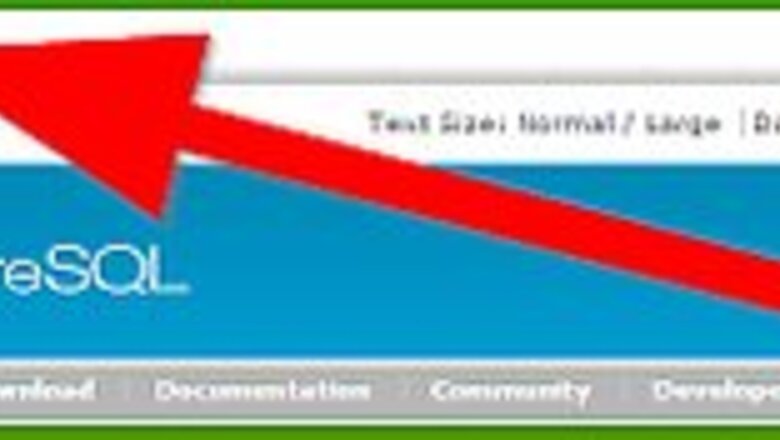


Obtain the source code from PostgreSQL website [1].

Unpack the source code package. Use the following bash/console command: gunzip postgresql-8.3.3.tar.gztar xf postgresql-8.3.3.tar postgresql-8.3.3 is the name of the current version. Future versions might differ in the 8.3.3 part. A directory named postgresql-8.3.3 will be created under the current directory (the one you executed the above script from).Install PostgreSQL Using the Source Code Step 2Bullet2.jpg

Change the current directory to the newly created one (postgresql-8.3.3)

Configure the source tree for your system and choose the installation options you want: Default Configuration: run the command./configure on your bash/console Custom Configuration (this is for advanced users only): you can set a lot of custom configuration options using command line options listed in the PostgreSQL documentation [2]

Start the build process by executing the command linegmakein your console/bash. This might take a few minutes depending on your hardware. The last line displayed should be:All of PostgreSQL is successfully made. Ready to install.

Install PostgreSql files by executing the bash/console command:gmake installwhich will install the files to /usr/local/pgsql unless you used the --prefix=PREFIX command line option, in which case the files will be installed to the path specified by PREFIX

Create a super-user account for PostgreSQL by executing the following command in the bash console:adduser postgres

Create a directory to hold PostgreSQL data tree by executing the following commands in the bash console:mkdir /p01/pgsql/datachown postgres /p01/pgsql/data

Create PostgreSQL cluster by executing:su - postgres/usr/local/pgsql/bin/initdb -D /p01/pgsql/data

Start up the PostgreSQL server (postmaster process) by executing:/usr/local/pgsql/bin/postmaster -D /p01/pgsql/data >logfile 2>&1 &

Create a PostgreSQL database in the cluster by executing:/usr/local/pgsql/bin/createdb test

Log-in to the database using the psql command:/usr/local/pgsql/bin/psql test









Comments
0 comment