



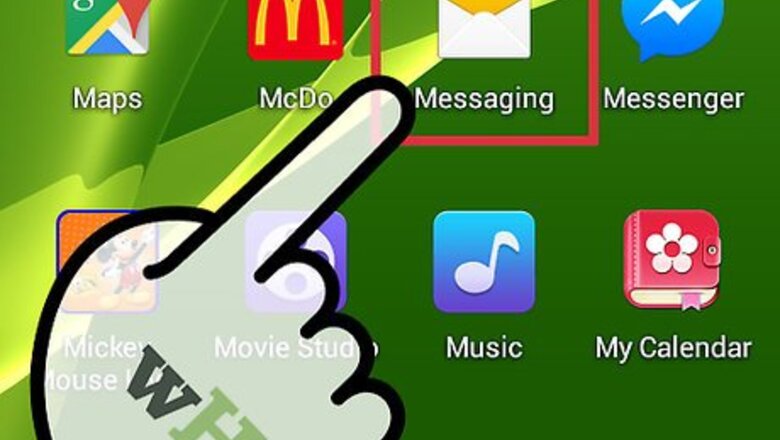

Texting on Samsung Android
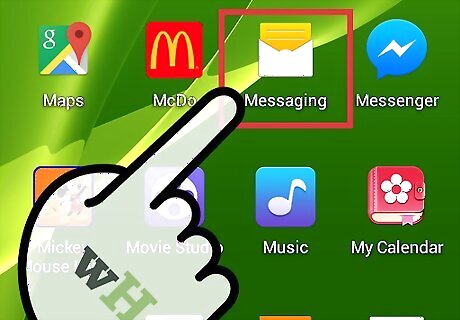
Tap on “Menu” and select “Messages.”
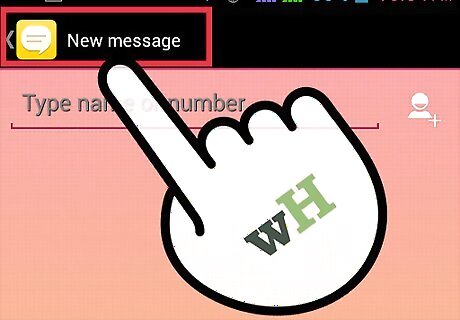
Tap on “New Message” or “Compose new message.”
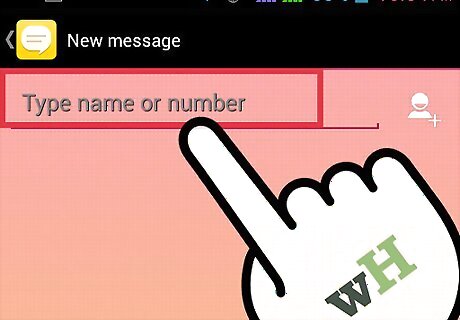
Enter the phone number of the person you want to text into the “To” field. Alternately, you can begin typing the name of the person you want to text if their contact information is already stored in your phone.
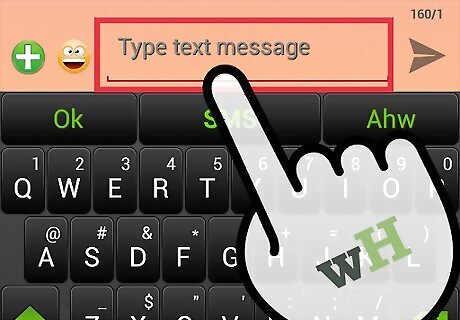
Type your text message into the “Compose” field.
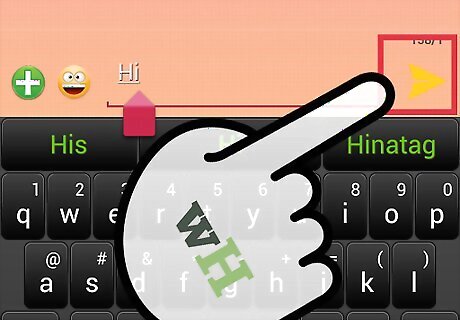
Tap on “Send.” Your text message will now be sent to the recipient you selected.
Texting on a Cell Phone in T9 Mode
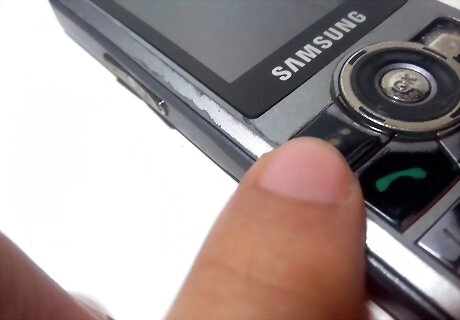
Press the left soft key to access your phone’s main menu.
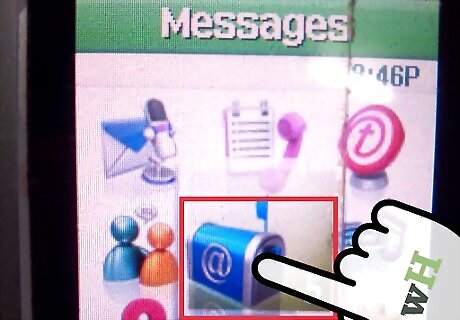
Scroll to and select “Messages.”
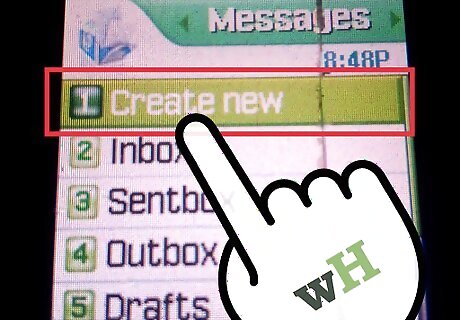
Select “Create New Message.”
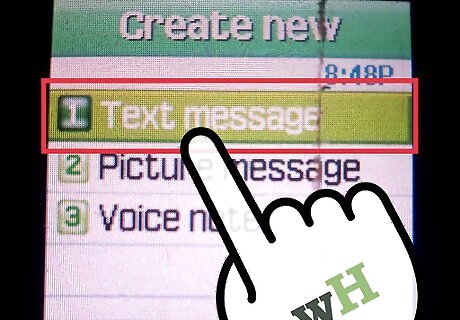
Select “Text Message.”
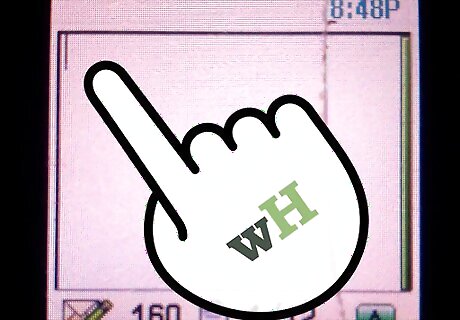
Type your text message using the keypad of your phone. If your Samsung phone does not have a traditional keyboard, you must press the number on which the letter is displayed. For example, to type the word “text,” you must press “8 + 3 + 9 + 8.” Press the “down” navigation key to display and select other words if Samsung’s dictionary does not initially choose the word you intended to type.
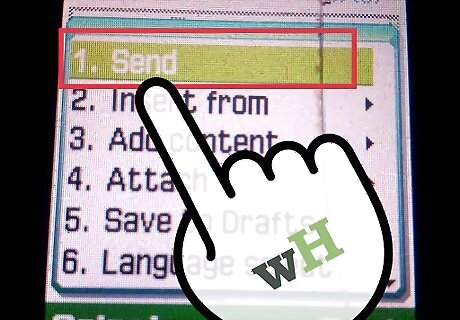
Press the right soft key to select “Send To.”
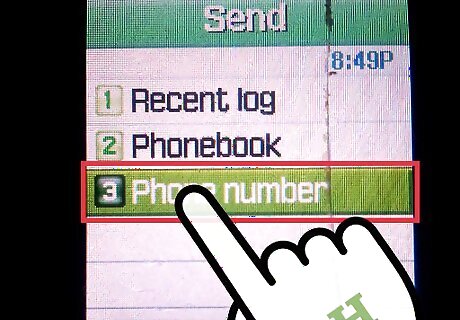
Enter the phone number of the person you want to text. Alternately, press the left soft key and choose the name of a recipient from your Contacts list.
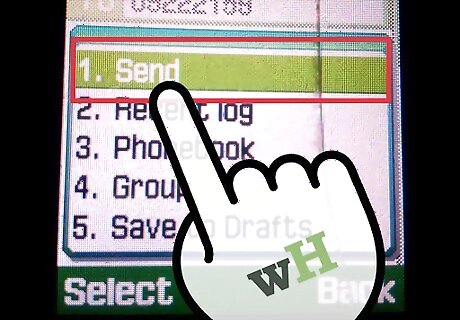
Press the right soft key to select “Send.” Your text message will now be sent to the recipient you selected.
Texting on a Cell Phone in ABC Mode
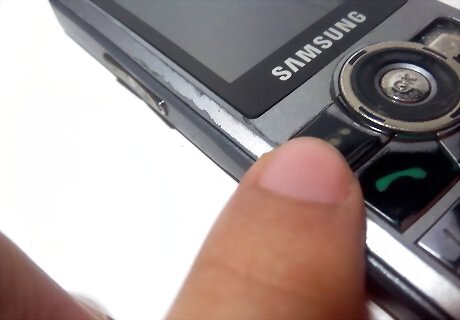
Press the left soft key to access your phone’s main menu.
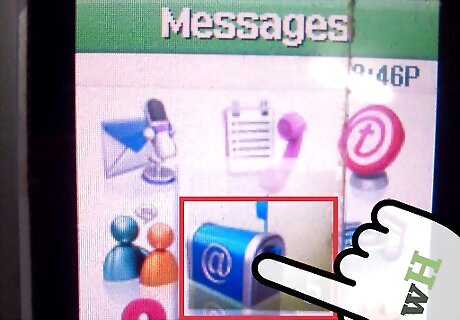
Scroll to and select “Messages.”
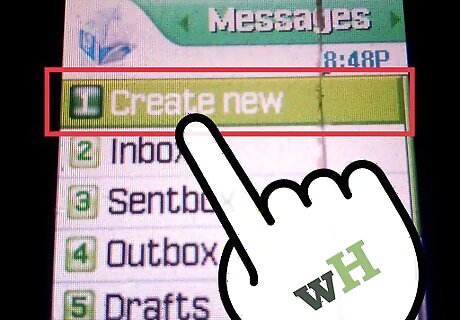
Select “Create New Message.”
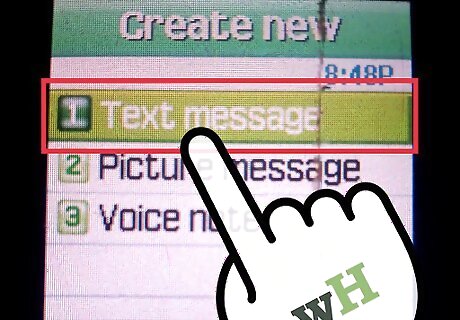
Select “Text Message.”
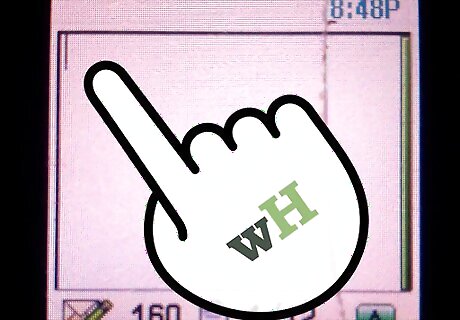
Type your text message using the keypad of your phone. If your Samsung phone does not have a traditional keyboard, you must press the keypad letter once, twice, three, or four times until the correct letter displays. For example, to type the word “text,” you must press “8” once, the number “3” twice, the number “9” twice, followed by the number “8.”
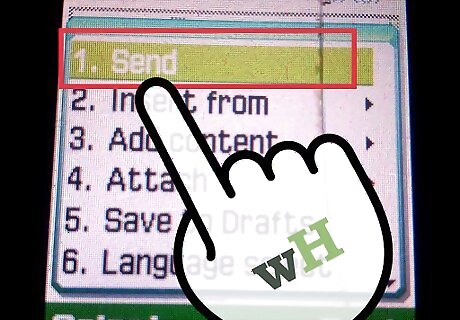
Press the right soft key to select “Send To.”
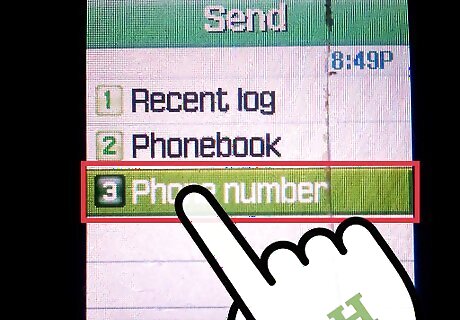
Enter the phone number of the person you want to text. Alternately, press the left soft key and choose the name of a recipient from your Contacts list.
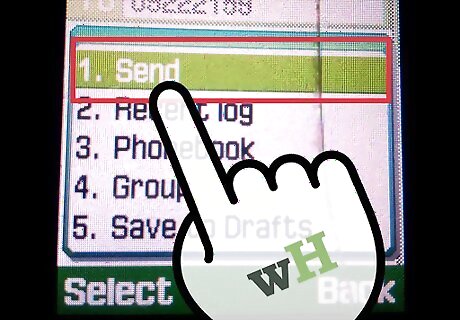
Press the right soft key to select “Send.” Your text message will now be sent to the recipient you selected.











Comments
0 comment