



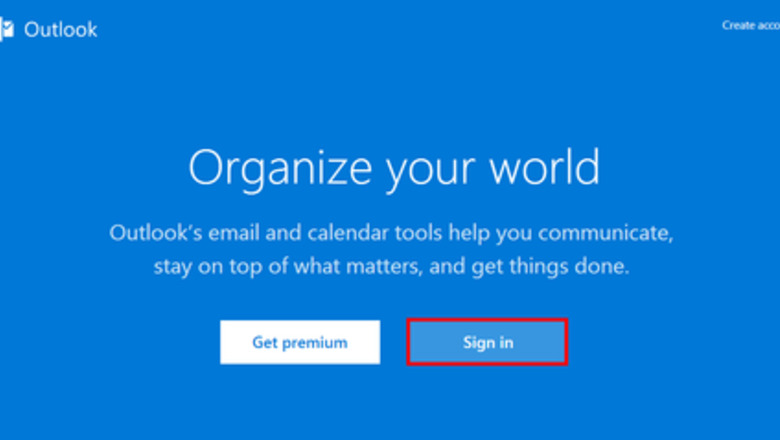

Activating the Beta Version
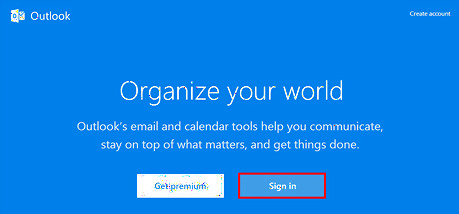
Go to Outlook. Open Outlook.com in your web browser and sign in with your account.
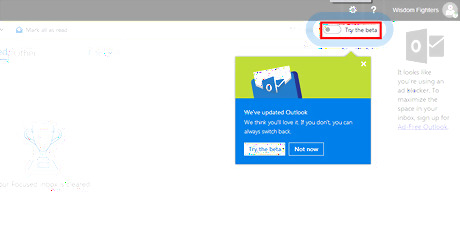
Click on the "Try the beta" toggle to open the beta version.
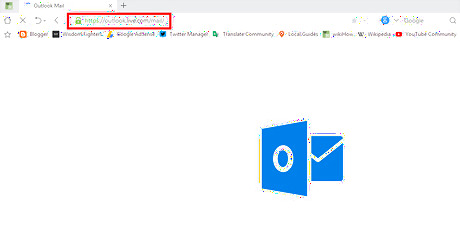
Directly access Outlook Beta Version if you prefer. Go to outlook.live.com/mail/ and click through the welcome message to use the beta version. You must be signed into your Outlook account to access this.
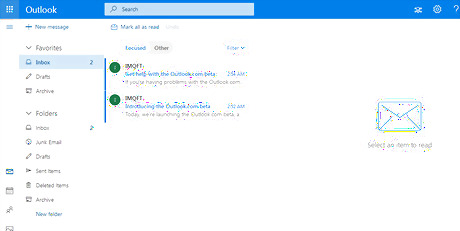
Enjoy the new features!
Exploring the New Features
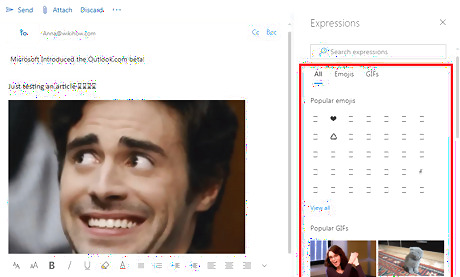
Add new emoji and GIFs. Compose a new email and click on the smiley (☺) icon to select any emojis or GIFs from the right panel.
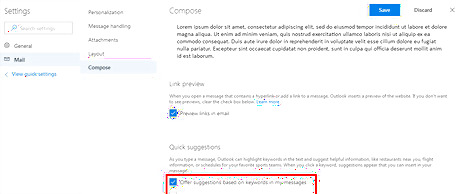
Turn on the Quick Suggestions Tool. Go to the Compose Settings and enable Quick Suggestions. When you’re typing, this tool will offer you quick suggestions, based on your content. For example, it might list restaurants, flights, etc.
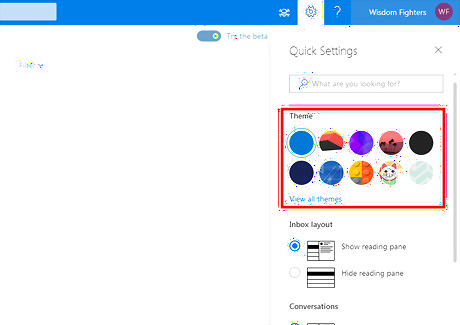
Try new themes. Click on the gear icon at the top bar and select your favourite theme. Press View all themes to find more.
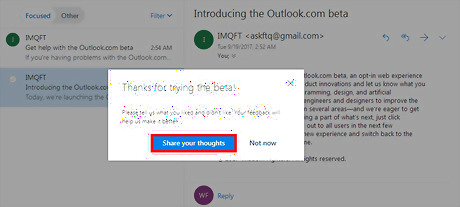
Share your feedback. Go to UserVoice forum and share what you think of the beta. You must be signed into your Outlook account to post a feedback.









Comments
0 comment