



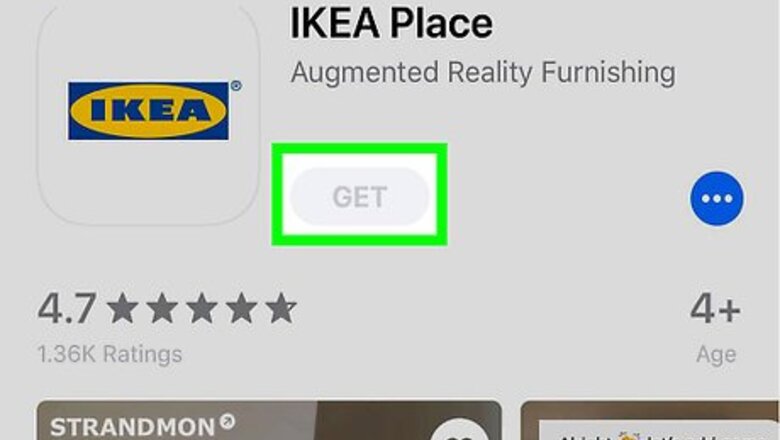

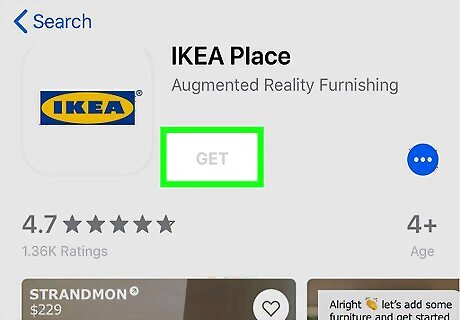
Open IKEA Place. It’s the blue and yellow IKEA logo typically found on the home screen. If you haven’t yet installed IKEA Place, you can get it for free from the App Store. You must have iOS 11 or later to use this app.

Proceed through the welcome screens. If it’s your first time using IKEA Place, you’ll go through a brief tutorial that explains the app’s features.
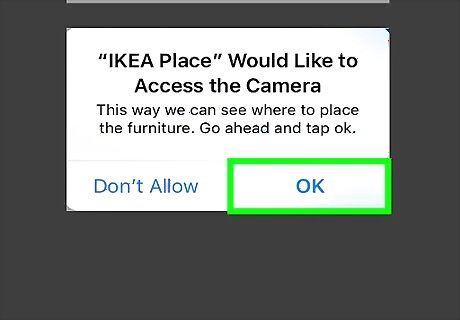
Tap OK to allow access to the camera.
Tap OK, let’s see. The privacy statement will appear.
Read and agree to the privacy statement. You’ll have to tap the back button after reading the statement and then tap Yes, I do if you agree.
Tap the +. It’s at the bottom-center part of the screen. This opens the search screen.
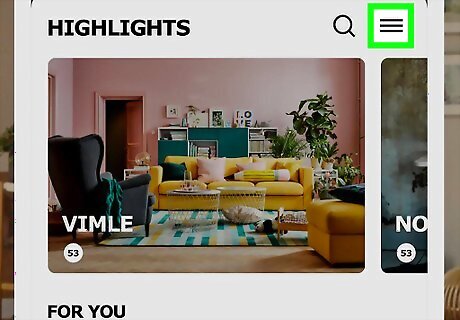
Search for furniture. Tap one of the options on the current screen, or browse by category by tapping the ≡ at the top-right corner.
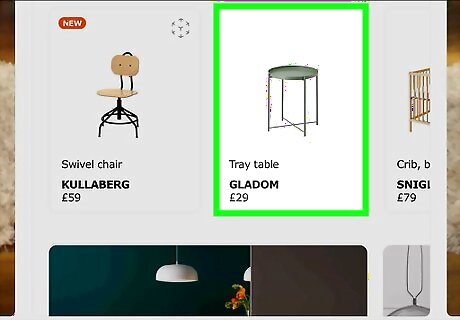
Tap an item to select it. A photo of the item and its price will appear. To save an item to your favorites, tap the heart icon at the bottom-right corner of the screen. To view your favorites, tap the outline of a person at the bottom-right corner of the camera viewfinder.

Tap TRY IT IN YOUR PLACE. This opens the camera viewfinder.
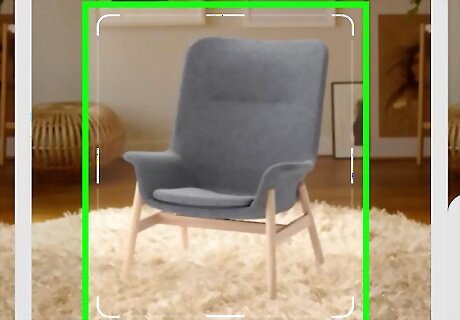
Align the part of your room where you want to place the furniture in the camera viewfinder.
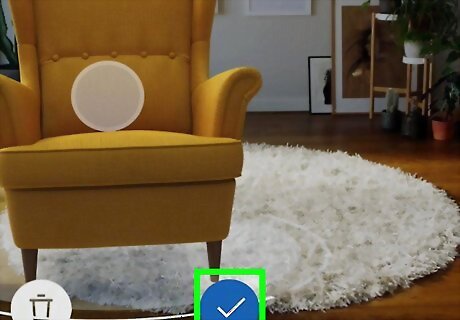
Tap the check mark. It’s at the bottom-center part of the screen. This places the item in the room.
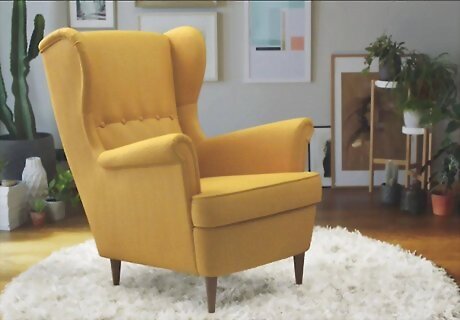
Drag the item to the desired location.
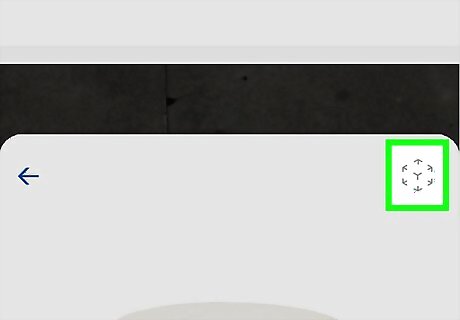
Rotate the item with two fingers until it’s facing the right direction. The item is now situated. Keep adding furniture items until you’ve redecorated your space with IKEA furniture. Then, keep looking into the camera viewfinder as you walk around the room. You’ll get a sense of what your room will look like if you really purchased the selected items from IKEA.
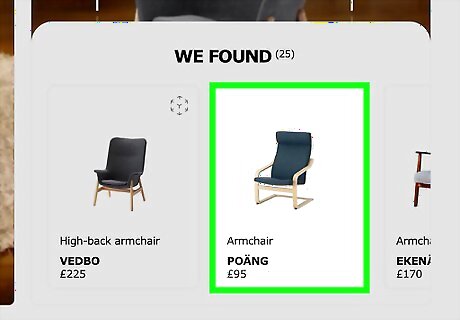
Search for replacement items. If you have furniture in your house that you’d like to replace, you can use IKEA Place to simplify your search. Here’s how: Open IKEA Place. The camera viewfinder will appear. Tap the broken square icon at the bottom-left corner of the screen. You’ll see ″Tap the object you want to look for″ at the top-left corner. Align the item you want to replace in the viewfinder (such as a dresser or bed). Tap the object to select it. Drag the edges of the frame to select the entire object. Tap the magnifying glass at the bottom of the screen to perform a search. A list of matching results will appear. Tap a result to view it. Tap the heart to save the item to your favorites.










Comments
0 comment