



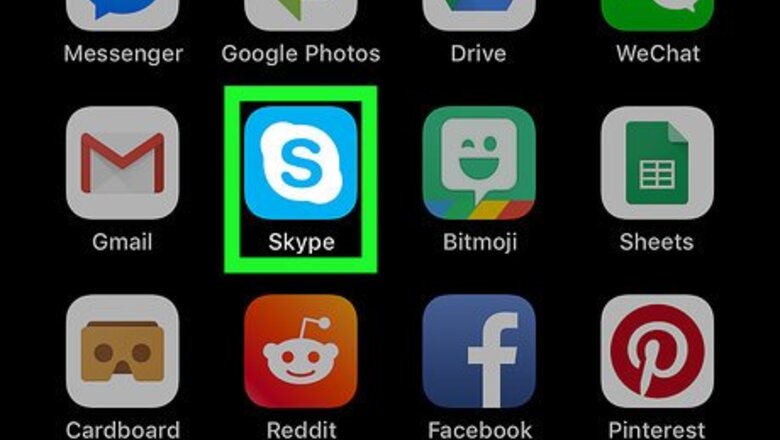

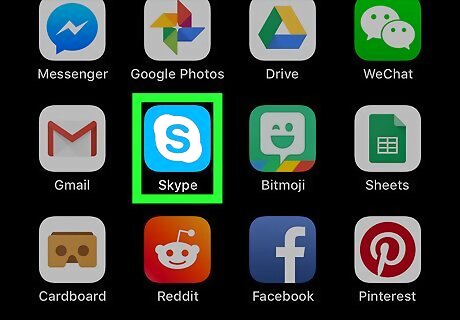
Open Skype on your iPhone or iPad. The Skype app looks like a blue-and-white "S" in a circle on your home screen. If you're not automatically signed in, tap the Sign In button at the bottom, and enter your Skype name, email or phone, and your password to log in.
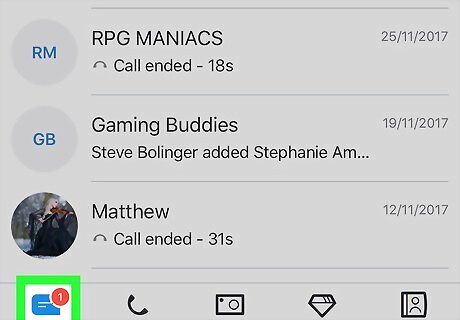
Tap the Chats tab. This button looks like a speech bubble icon in the lower-left corner of your screen. It will open a list of all your recent personal and group chats.
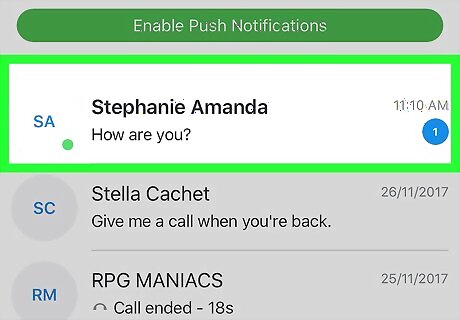
Tap a chat conversation. Find the conversation you want to message, and open it.
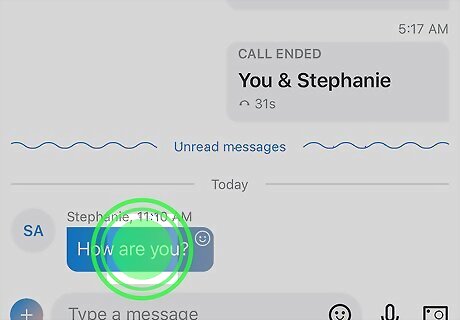
Tap and hold a chat message. Find the message you want to quote, and long-press on the message bubble. Your options will slide up from the bottom of your screen.
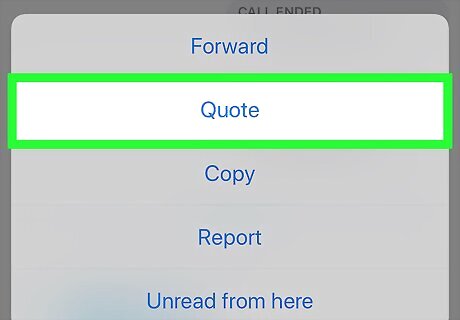
Select Quote on the pop-up menu. This will quote the selected chat message, and allow you to add your reply or comments in the message field.
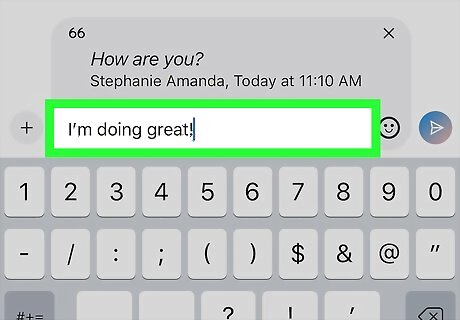
Enter your reply or comments in the message field. The message field is at the bottom of your screen. You can use your keyboard to type a message here, or paste text from your clipboard.
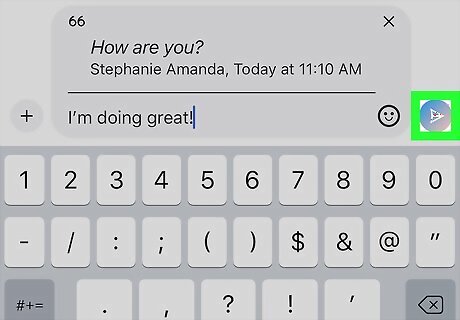
Tap the paper plane icon. This button is next to the message field in the lower-right corner. It will send your message along with your quotation to the chat conversation










Comments
0 comment